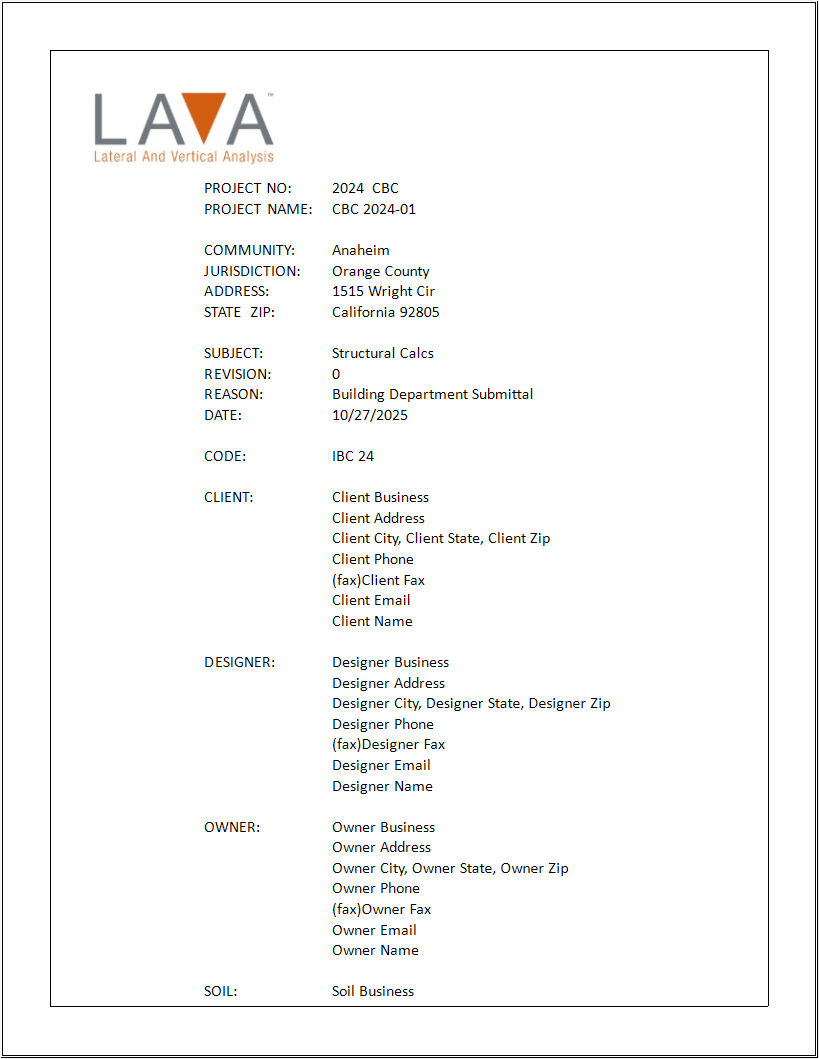
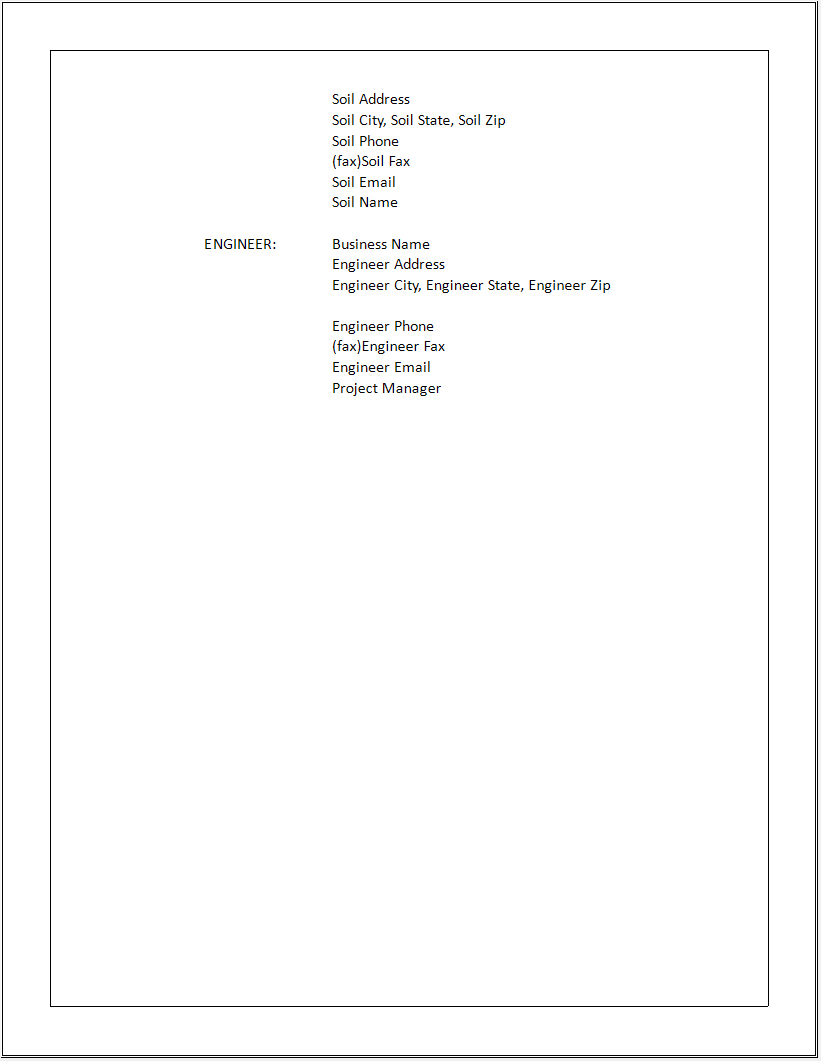
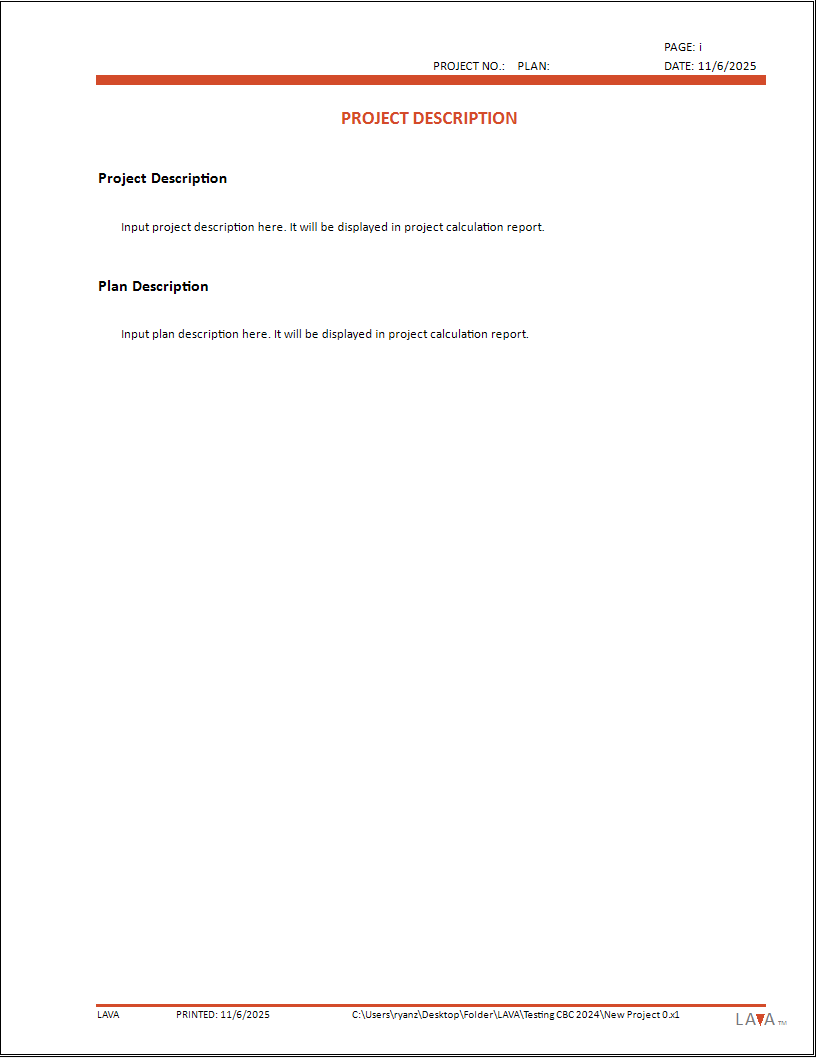
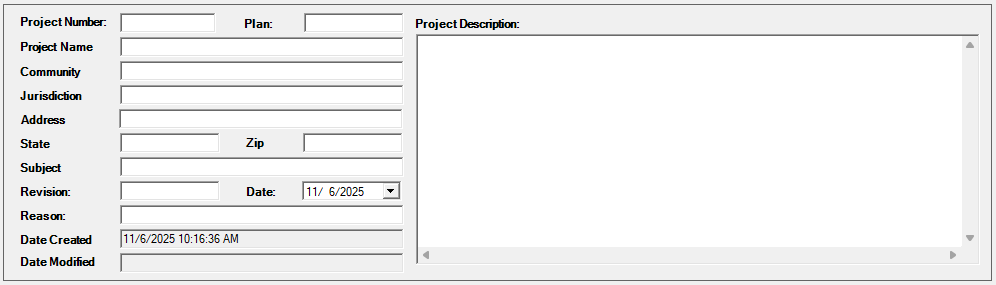
Project Definition allows user to input project data that will help them keep record for their reference, and they can also include them in the cover page of calculation report if needed.
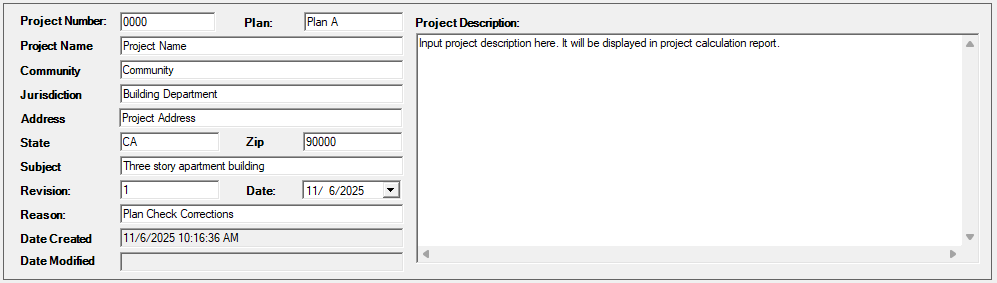
These fields are optional, and the user does not have to fill in all the items.
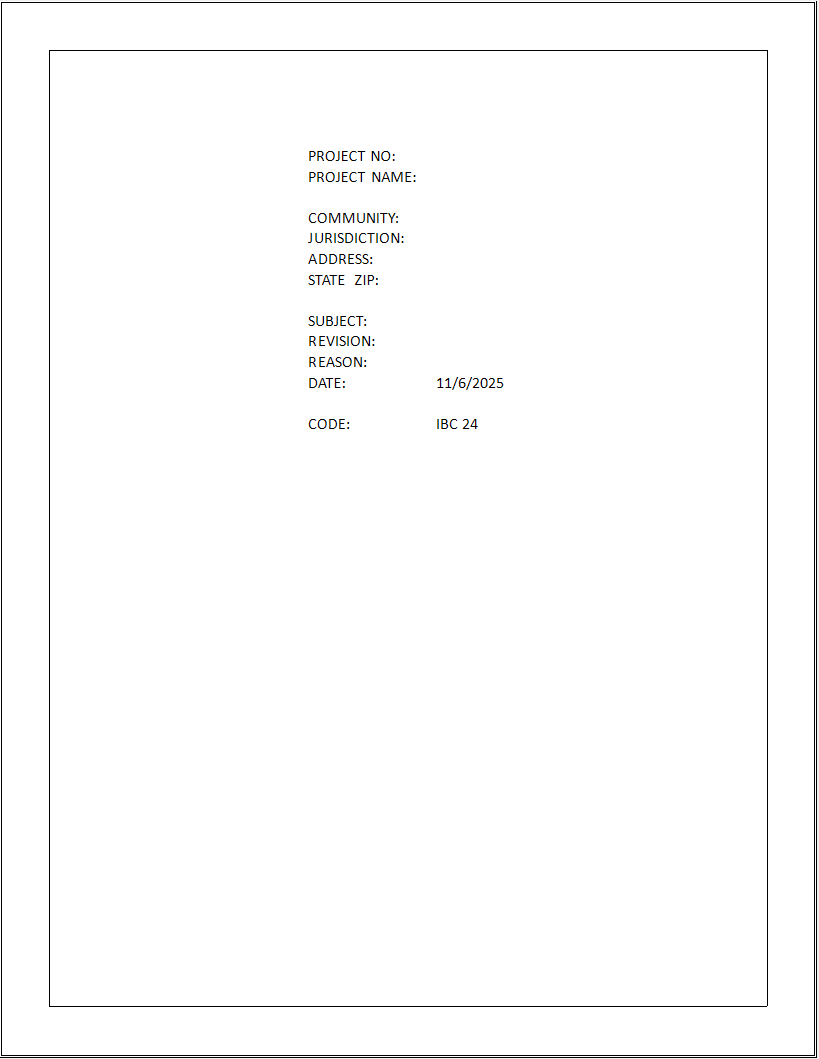
If user leaves certain items blank, the cover page of report will omit these items:
Criteria
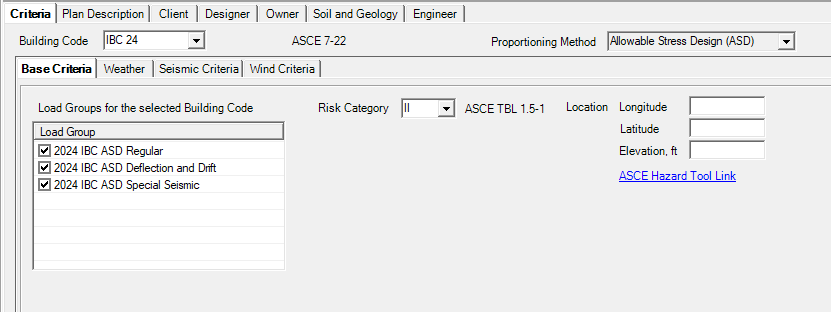
Building Code: User can choose governing building code.
Available codes: IBC 18, IBC 21, CBC 22, IBC 24, CBC 25
Proportioning Method: Allowable Stress Design (ASD)
Loading Groups: User to determine which load combination groups they will be using in the project.
Basic Criteria
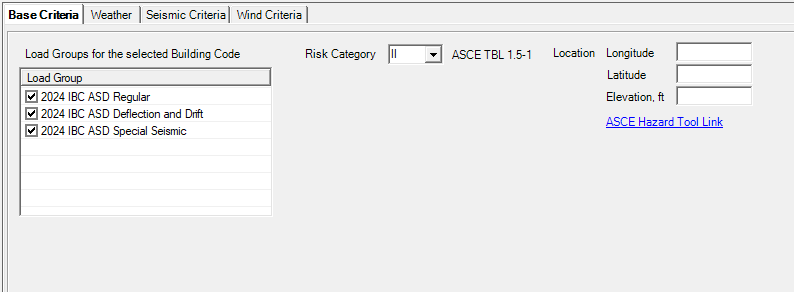
Loading Groups: User to determine which load combination groups they will be using in the project.
Risk Category: User to choose appropriate risk category.
Location Longitude / Latitude / Elevation: User to input project coordinates and elevation above sea level per ASCE 7-22 26.9. Coordinate will not be displayed on calculation report. Elevation will be displayed in wind analysis section of calculation report if user determines so.
ASCE Hazard Tool Link: User can click the hyperlink to ASCE Hazard Tool website.
Weather
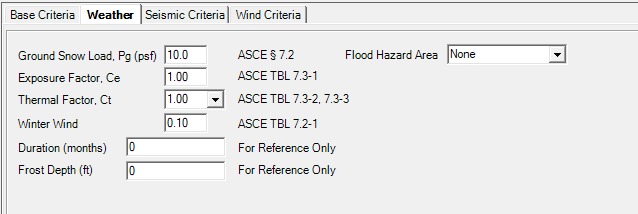
Ground Snow Load, Pg (psf): User to input ground snow load
Exposure Factor, Ce: User to input exposure factor
Thermal Factor, Ct: User to choose appropriate thermal factor
Winter Wind: User to input winter wind
Duration (months): User to input duration for snow load
Frost Depth (ft): User to input frost depth
Floor Hazard Area: User to choose appropriate flood hazard area
Note: The program does not apply snow drift at this time.
Flood Hazard Area: User to choose appropriate flood hazard area
Seismic Criteria
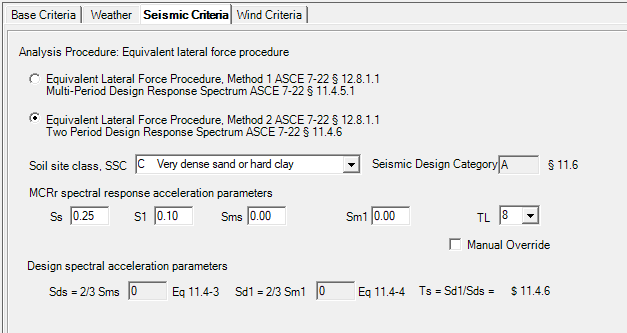
Analysis Procedure: User to choose the appropriate method between Multi-Period Design Response Spectrum or Two Period Design Response Spectrum
See full instructions for Method 1
Soil site class, SSC: User to select site class per ASCE 7-22 11.4.2
MCEr spectral response acceleration parameters:
Ss: User to input mapped MCEr, 5% damped, spectral response acceleration parameter at 0.2 s periods for Site Class BC per ASCE 7-22 11.4.3
S1: User to input mapped MCEr, 5% damped, spectral response acceleration parameter at 1 s period for Site Class BC per ASCE 7-22 11.4.3
Sms: User to input mapped MCEr, 5% damped, spectral response acceleration parameter at short s periods adjusted for site class effects per ASCE 7-22 11.4.3
Sm1: User to input mapped MCEr, 5% damped, spectral response acceleration parameter at 1 s period adjusted for site class effects per ASCE 7-22 11.4.3
TL: User to input long-period transition period per ASCE 7-22 Figs. 22-14 to 22-17
Seismic Coefficients Sds and Sd1, and Seismic Design Category will be calculated according per user’s input above.
Manual Override: If site-specific seismic design parameters are available, user can check this option to manually input Sds and Sd1 values.
Wind Criteria
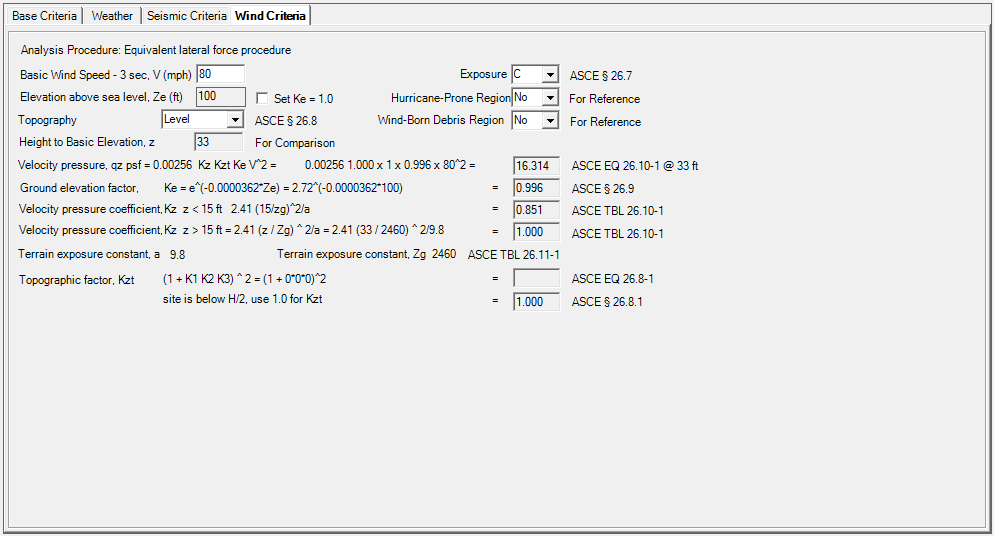
Basic Wind Speed - 3 sec, V (mph): User to input basic wind speed per ASCE 7-22 26.5.1.
Exposure: User to select exposure category per ASCE 7-22 26.7.3.
Elevation above sea level, Ze (ft): Value in Base Criteria tab will be used to determine Ke per ASCE 7-22 Table 26.9-1. User can check ‘Set Ke=1.0’ per ASCE 7-22 26.9.
Topography: User to select topography condition per ASCE 7-22 26.8.1. If Escarpment, 2D Ridge or 3D Hill is selected, additional parameters are available to determine Kzt per ASCE 7-22 Fig.26.8-1.
Hurricane-Prone Region: User to select from drop-down menu if hurricane-prone region is applicable.
qz at height of 33 ft will be calculated for reference.
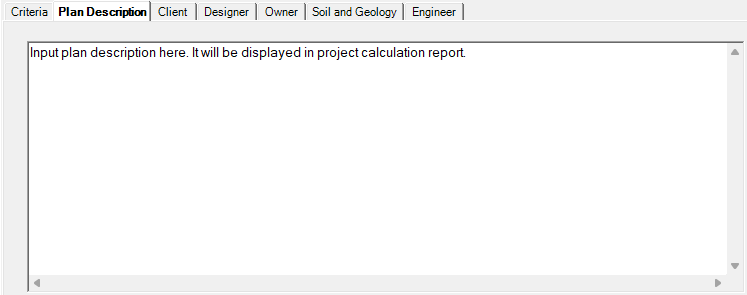
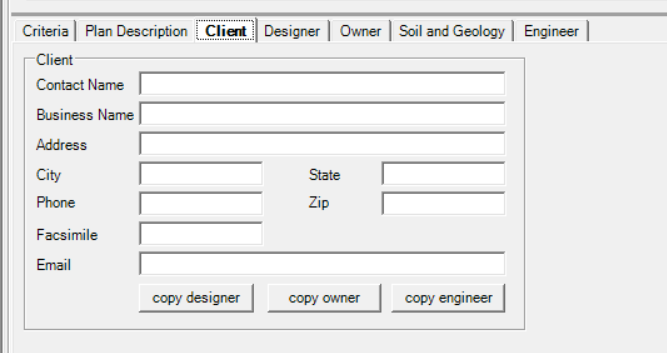
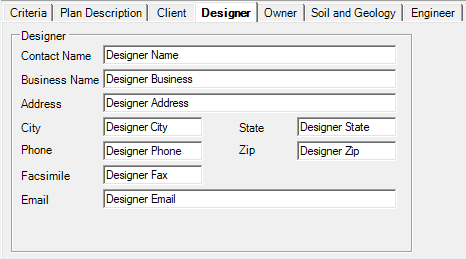
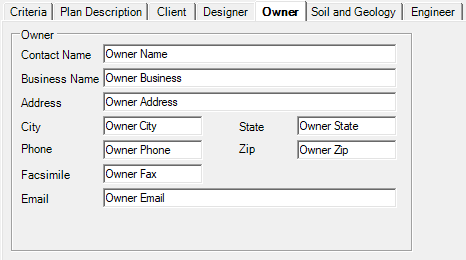
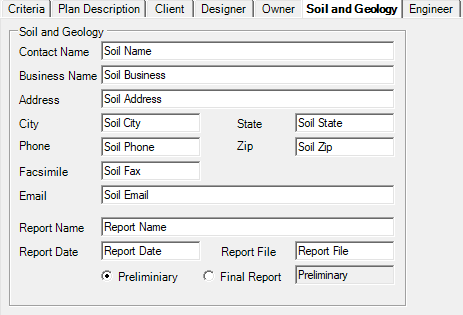
Plan Description / Client / Designer / Owner / Soil and Geology / Engineer
These fields are for the display in the printed Report. These are optional and if they are left blank, the sections will be omitted.
Below gives an example of all these text boxes as shown in the Report.
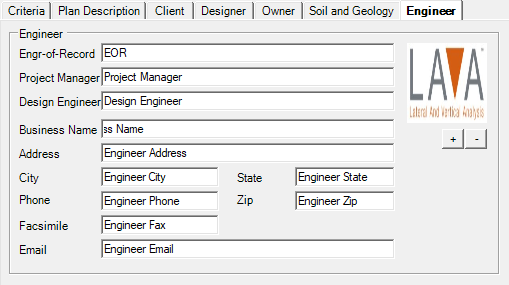
Click + to Add your company Logo. Or - to remove the logo.