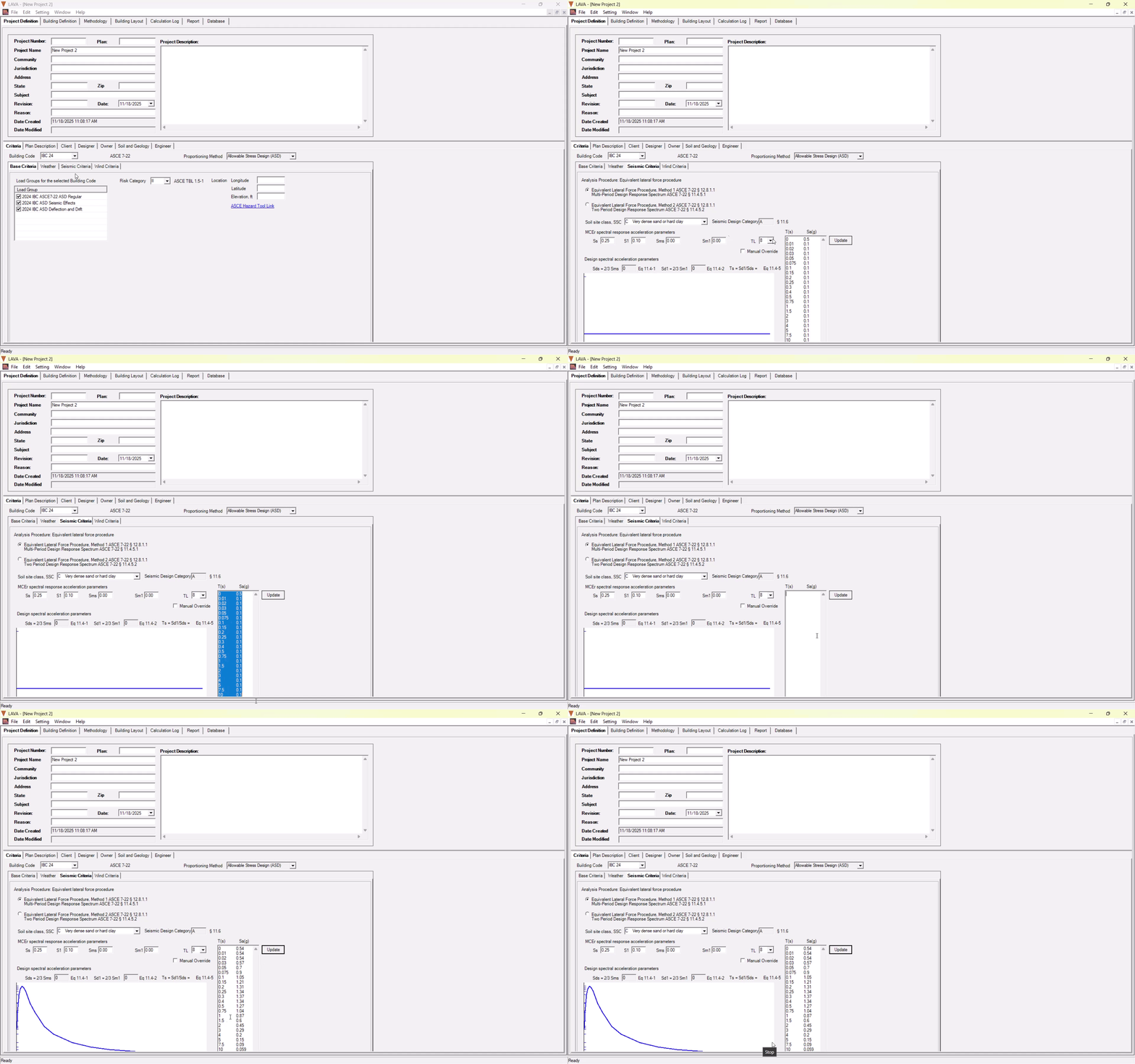
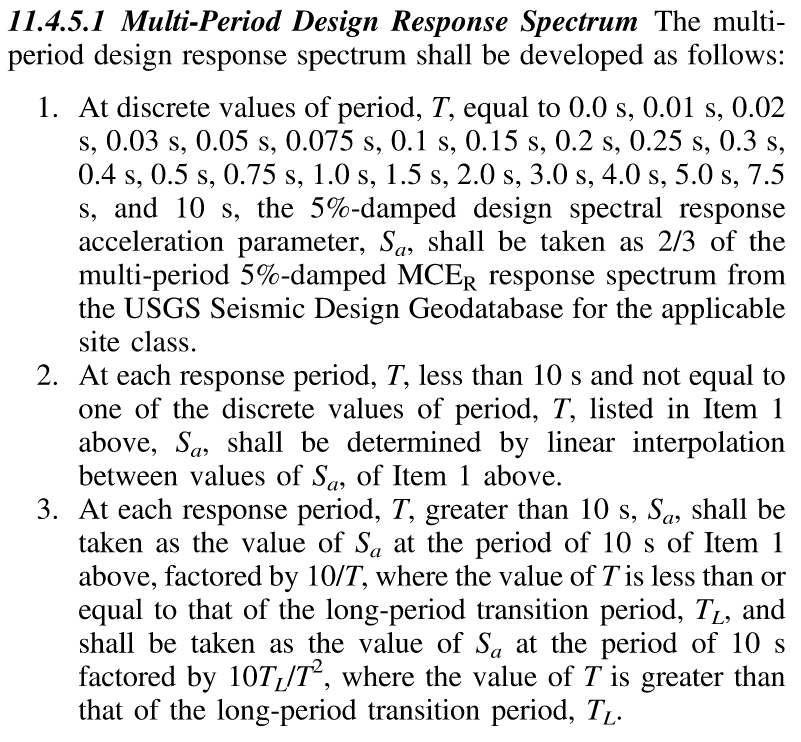
If you choose to use Method 1 per ASCE 7-22 12.8.1.1, you need to input design spectral response acceleration parameters (Sa) defined in 11.4.5.1:
The values of Sa can be input under Project Definition - Criteria - Seismic Criteria tab. First you must select ‘Equivalent Lateral Force Procedure, Method 1, Multi-Period Design Response Spectrum’.
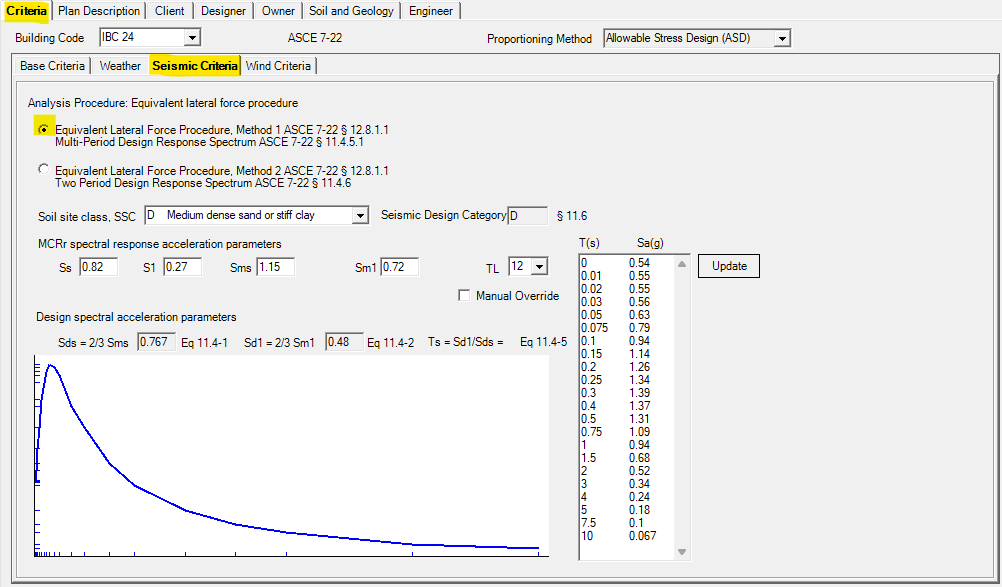
The pre-set diagram and pre-filled values are place-holders. You must input the correct Sa values, and press Update button.
One common way to obtain Sa values is to go to ASCE Hazard Tool website.
After input Address, select the following items
ASCE/SEI 7-22
Risk Category
Site Soil Class
Select Load Type: Seismic
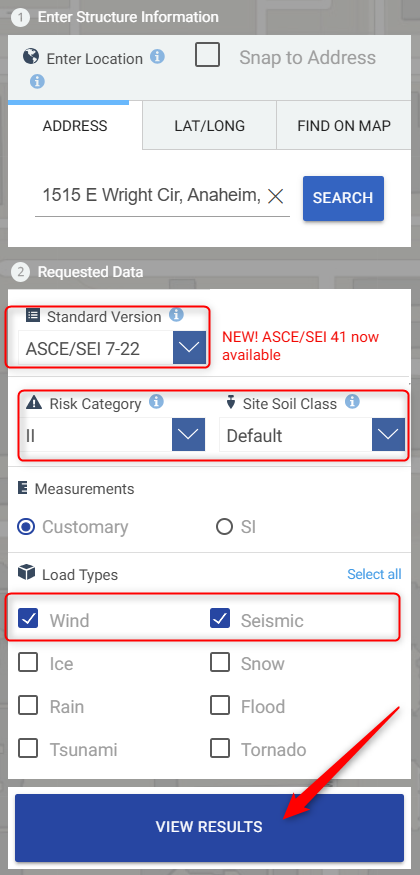
Click ‘VIEW RESULTS’, the site data will be generated in new web page.
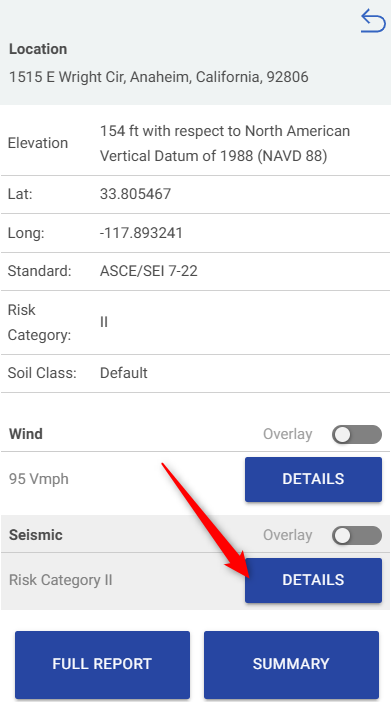
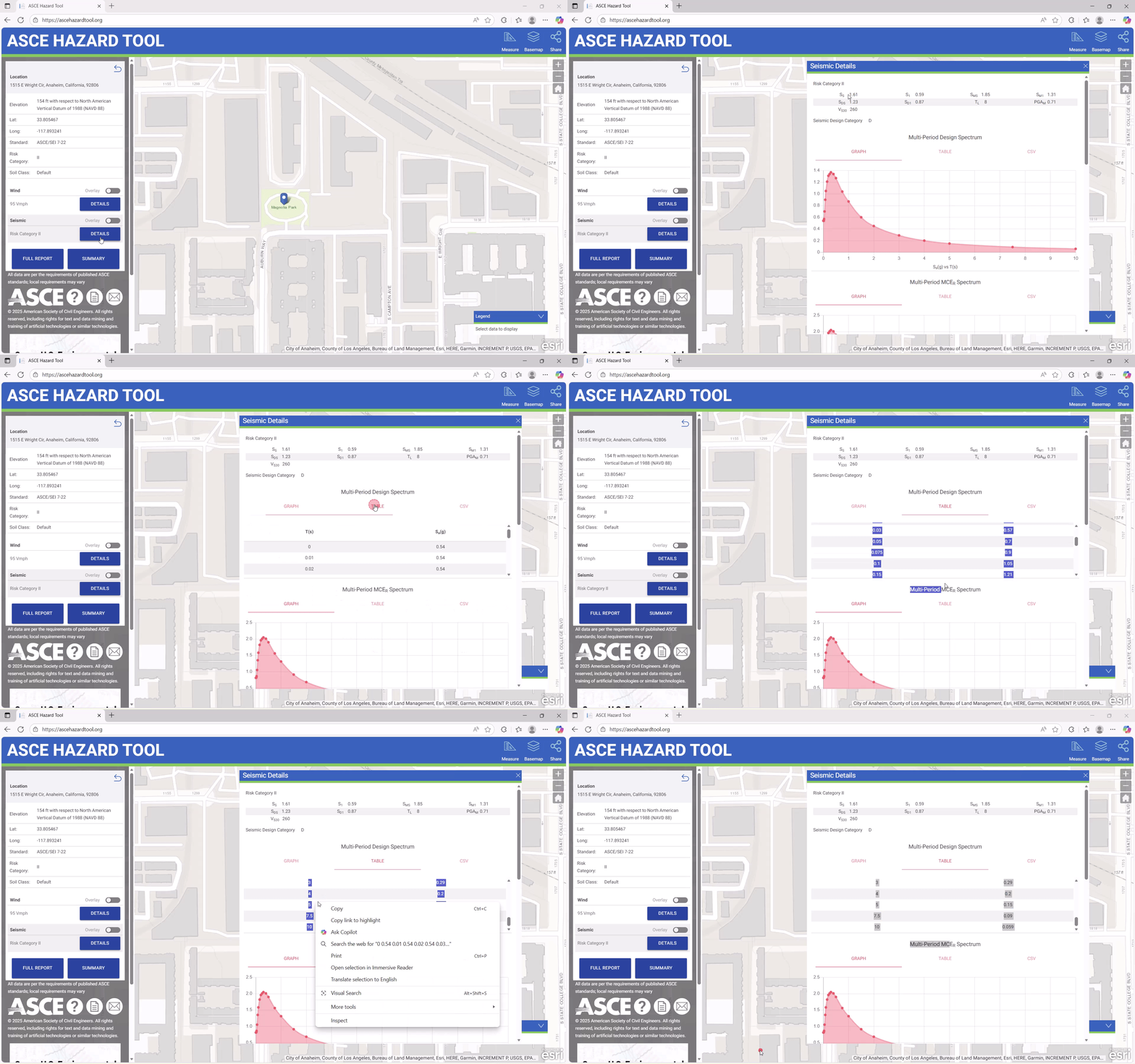
Click ‘DETAILS’, Seismic Detail will pop up.
Take note of the Site variables to be entered into LAVA
Select the Table and highlight all of the numbers listed in the table- right-click “Copy”.
Open LAVA- Project Definition tab- Seismic Criteria tab- switch to Method 1.
Delete all the existing data in the T(s) vs Sa(g) table.
Replace the pre-filled Sa values under LAVA Seismic Criteria tab with the downloaded values with right-click “Paste”.
Click “Update” to review new graph