The model in LAVA is considered a full-structure model, which means all elements in a model are parts of the same one building/structure.
If more than one building are modeled in the same file, LAVA will loop in all of the seismic weight, which will cause inaccurate calculation results. Therefore, when there are multiple plan options in a project, it is advised to build a specific separate model for each plan option.
Below is an example of a master floor plan with a plan option at the back of the building.
.png)
.png)
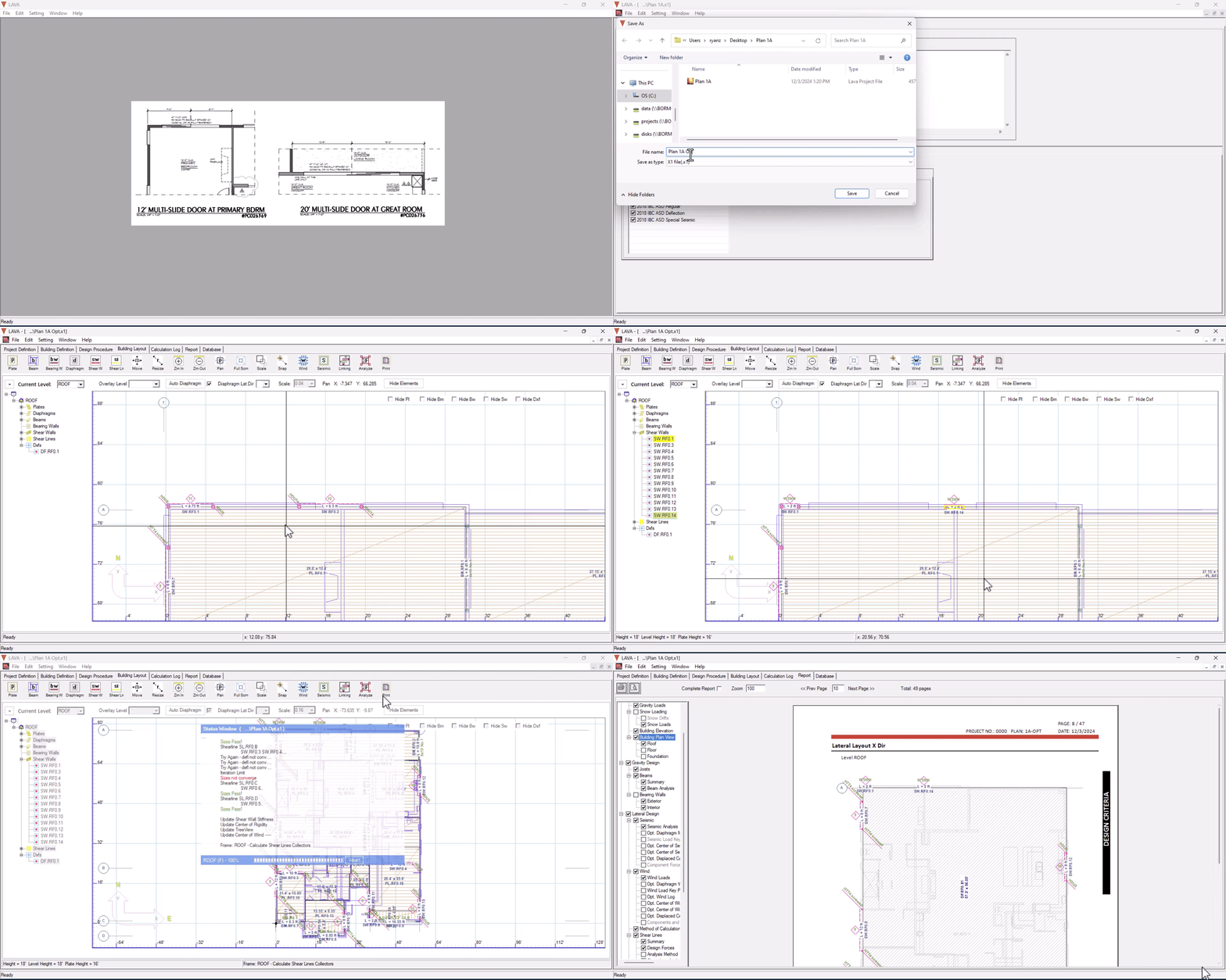
After modeling the master plan in LAVA, following the following steps:
Use ‘Save As’ to create a separate file for the option.
Remove the old DXF background and load a new DXF background for the option.
Double-click affected elements, such as Shear Wall, to open design dialog to make modifications.
Use tools such as Move and Resize to make further modifications.
Press
.png) to run full-structure calculation.
to run full-structure calculation.
Watch the video demonstration below: