Bearing walls are gravity elements that carry loads vertically down the building.
Want a quick video tour? Bearing Walls in LAVA
Bearing Walls in LAVA
You can open the bearing walls dialog by double clicking on the bearing walls name in the navigation toolbar or the graphical view.
The Bearing Walls are available in Lumber with a variety of sizes, grades and spacing. The software will optimize stud width to meet the requirements of the project. The stud depth and spacing are manually controlled by the user.
.png "image(145).png")
For bearing wall studs, LAVA currently assumes the full stud height as the unbraced length for both the weak and strong axes. At this time, there is not a separate control to specify bracing or an effective unbraced length for either axis.
As a workaround, you can reduce the stud height input to represent a shorter unbraced length. The load path will still be maintained, but the stud design check will use the reduced height you specify.
Vertical Checks: Gravity Loads Only
LAVA automatically performs the following checks:
Stud Axial Stress Check
Sill Plate Bearing Stress Check
Lateral Checks: Gravity Loads + Lateral Forces
LAVA automatically performs the following checks:
Deflection Checks based on the Deflection Limits
Component and Cladding Checks on Studs
Combined Bending and Compression check
Note: Even though Bearing Walls are considered a Gravity element, there is Lateral Wind Loads applied out of plane to the Bearing Walls.
The calculations can be found in detail in the Sizing tab of the Bearing Wall dialog.
.png "image(146).png")
Bearing Walls in Reports
Since there are numerous bearing walls in a building, you may not want to print all of them in your Report. In order to see the Bearing Walls in the Report, follow these instructions below.
Turn on the Preferences- Building Layout- Bearing Wall- Show in Report (Bearing Walls) option.
.png "image(151).png")
Find the wall to be added to the Report and navigate to the Bearing Wall dialog in the Building Layout screen. Click on the “Print in report” checkbox.
.png "image(149).png")
In the Report selection tool, make sure to select the Bearing Walls options.
.png "image(150).png")
Example Calculation in the Report for Bearing Wall:
.png "image(153).png")
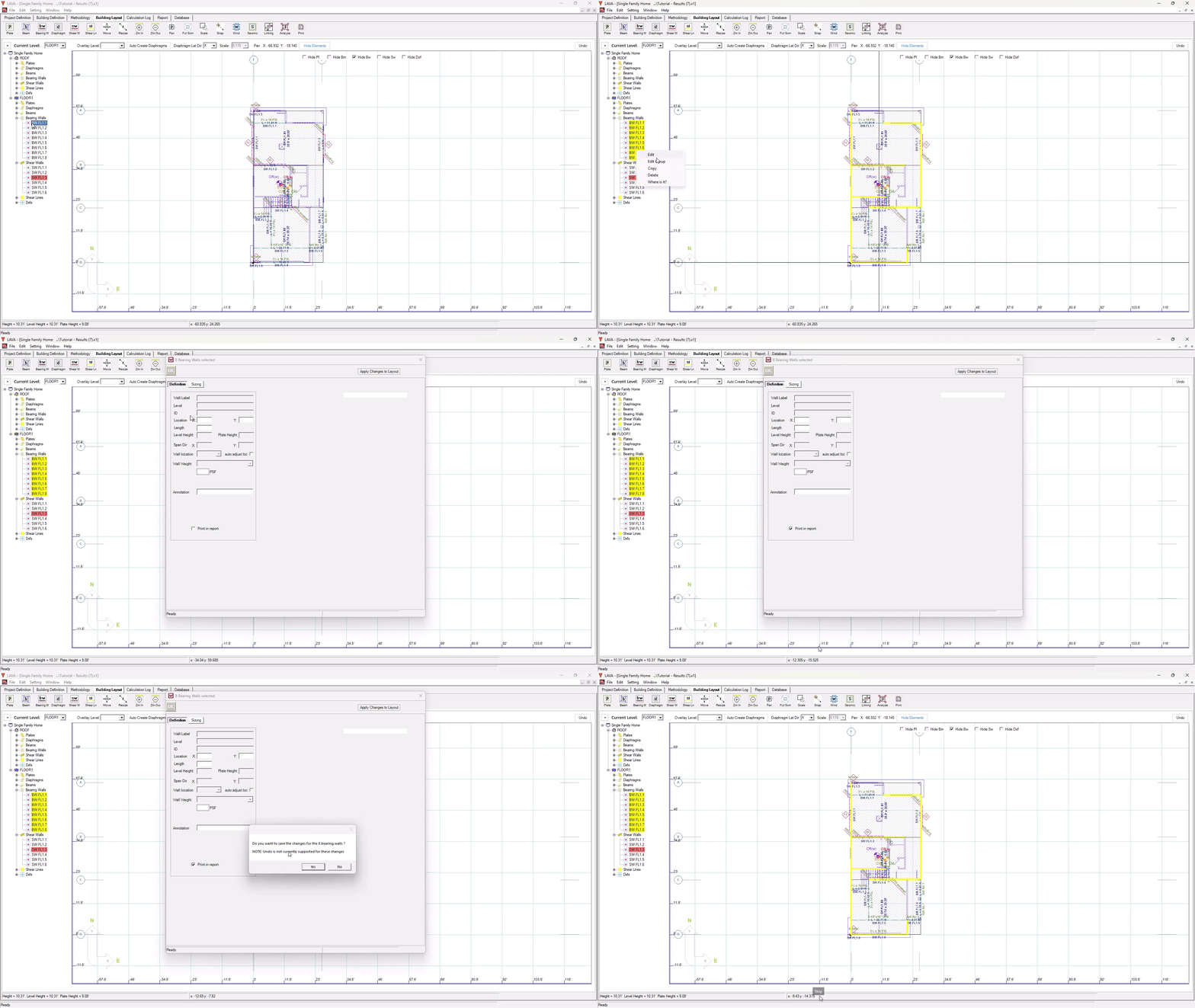
Turn on the Print option for a large amount of Bearing Walls using the Edit Group optoin: